
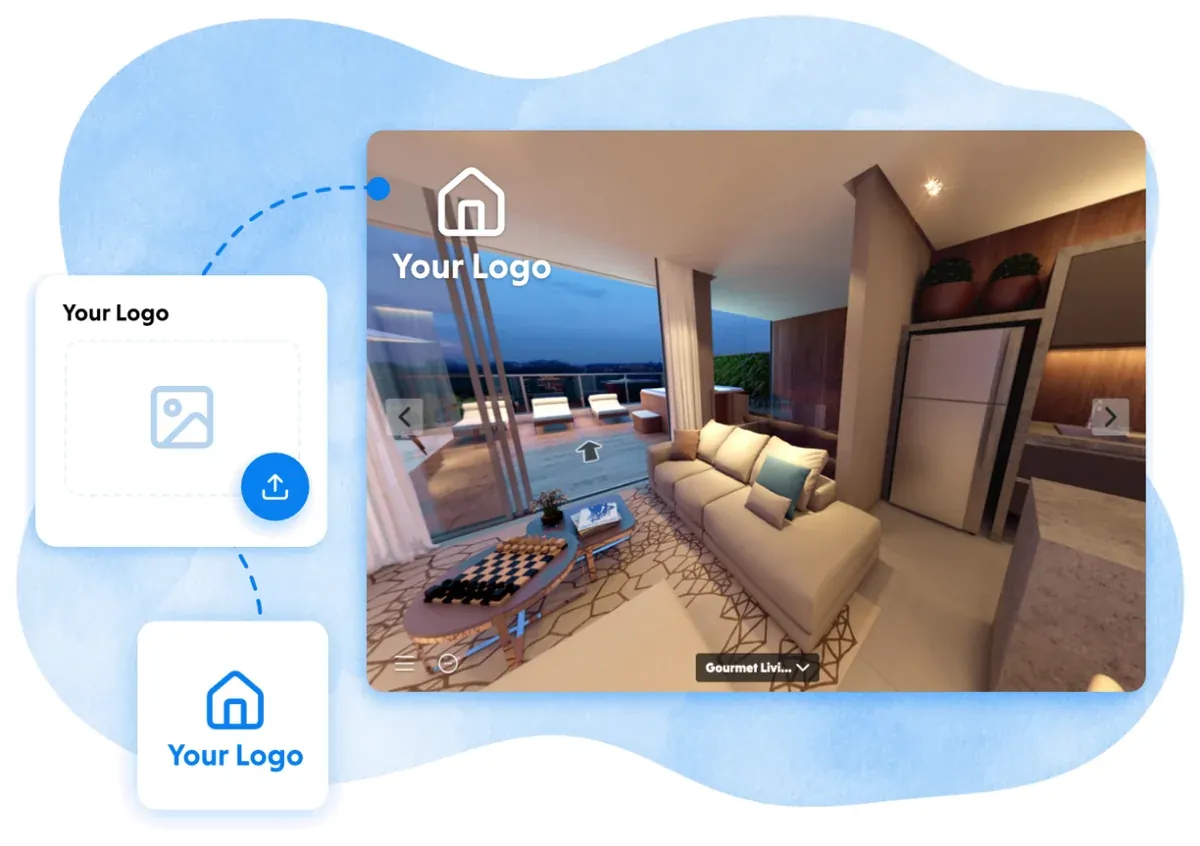
Your company logo
Set up your company logo and apply a color palette to every hotspot in the tour.
Hotspots, floor plans, your logo, audio, video, embed and Google Street View in one place. Create, customize and publish 360 virtual tours right in your browser, with hosting included.
Free plan available, no credit card required
Naxees is an online platform for creating 360 virtual tours from 360 panoramic photos or 3D renders. Features include arrows for navigating between rooms, hotspots with text, image, audio, video and link, clickable floor plans, an image gallery, ambient sound, your logo, a color palette and access control.
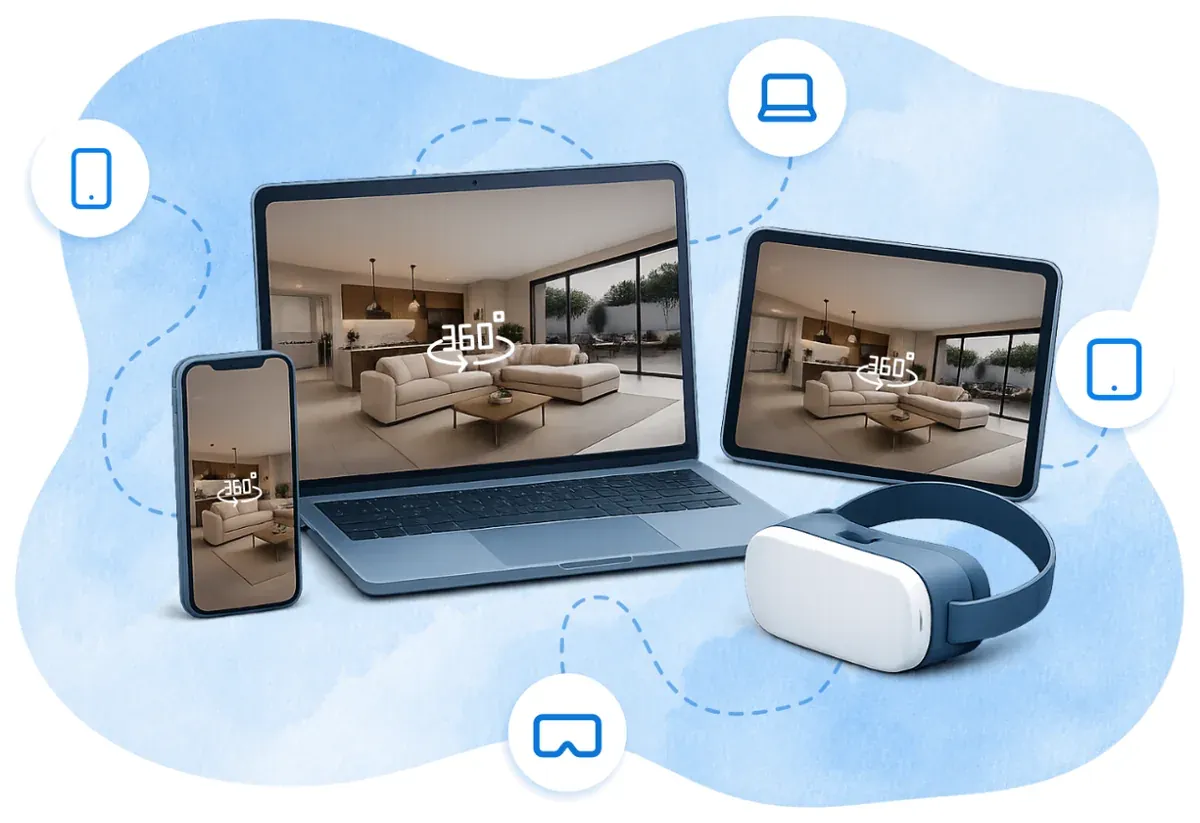
To publish, you get a unique link, an embed code, videos for social media, offline mode in the mobile app, Google Street View integration and analytics with visit numbers. Everything works in the browser with no coding, and tours can be viewed on computers, phones, tablets and virtual reality headsets.
Real estate agencies, builders, architects, interior designers, 360 photographers, Google Street View agencies, hotels, schools, museums, industry and more.
The process is very simple, and you don't need to know how to code. Just upload your 360 images, connect the rooms, customize and publish.
On any device with a screen (computer, phone, tablet) and on Virtual Reality (VR) headsets, for in-person and remote presentations.
Explore the features for creating, customizing, sharing and presenting 360 virtual tours.
Set up your company logo and apply a color palette to every hotspot in the tour.
Connect the rooms of your virtual tour and navigate much like on Google Street View.
Add text, images, audio, video and links that visitors open by clicking the point.
Create a slideshow of regular, non-360 images to complement the tour.
Add clickable floor plans and let visitors pick a room right on the plan.
Add a soundtrack that plays while visitors explore, making the tour more immersive.
All these names describe the same idea: an interactive walkthrough made of 360 images, in which visitors explore a space at their own pace. What matters is the experience your clients will have: engaging, interactive and memorable.
Explore each feature and see what you can edit, add and set up at every step.
Organize and adjust your 360 images before publishing the tour.
Add information and interactive content inside the tour.
Identify the tour and put your brand on it.
Adjust how the tour looks and behaves.
Complement the tour with regular images.
Navigate the tour from the floor plan of the space.
Set the mood for your presentation.
Decide who can view each tour.
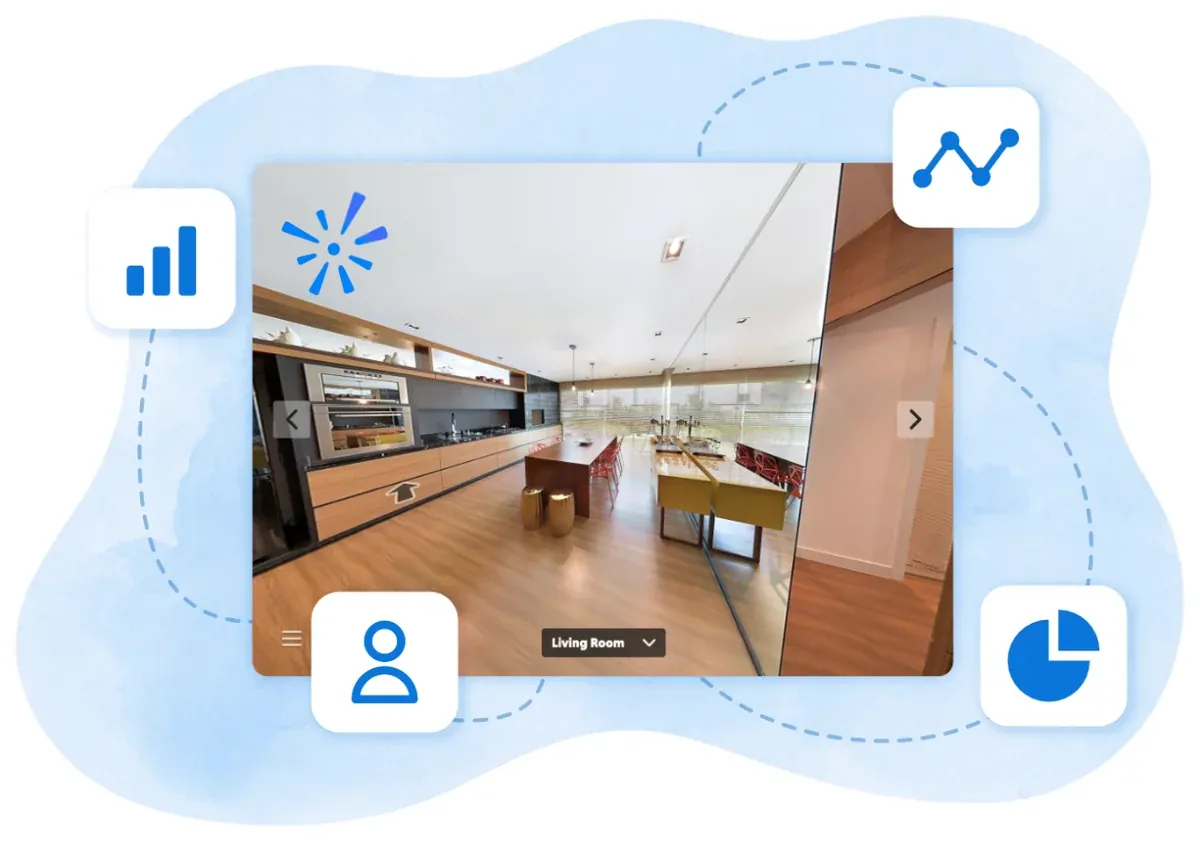
In just a few clicks, you upload your 360 images, connect the rooms and publish the tour online. Drag the image to look in every direction and click the hotspots to move between rooms.
360 aerial view of towns in Santa Catarina
Add a logo and customize your 360 virtual tours with your brand identity. Highlight your brand without blocking the view of the rooms during navigation. You can use a main logo and a nadir logo, which covers the base of the 360 image.
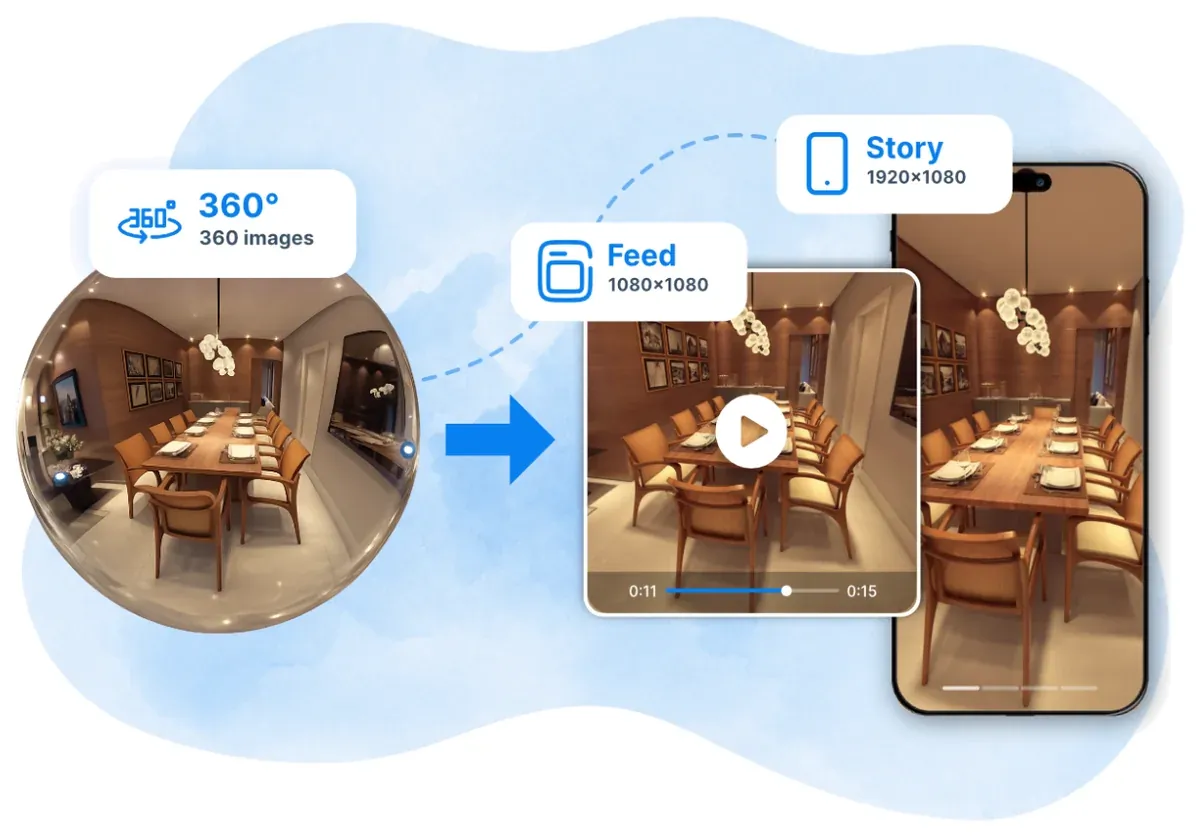
Generate a video from the tour’s 360 images and post it on social media. The platform creates the video in Feed (1080×1080) or Story (1080×1920) format, up to 60s long.
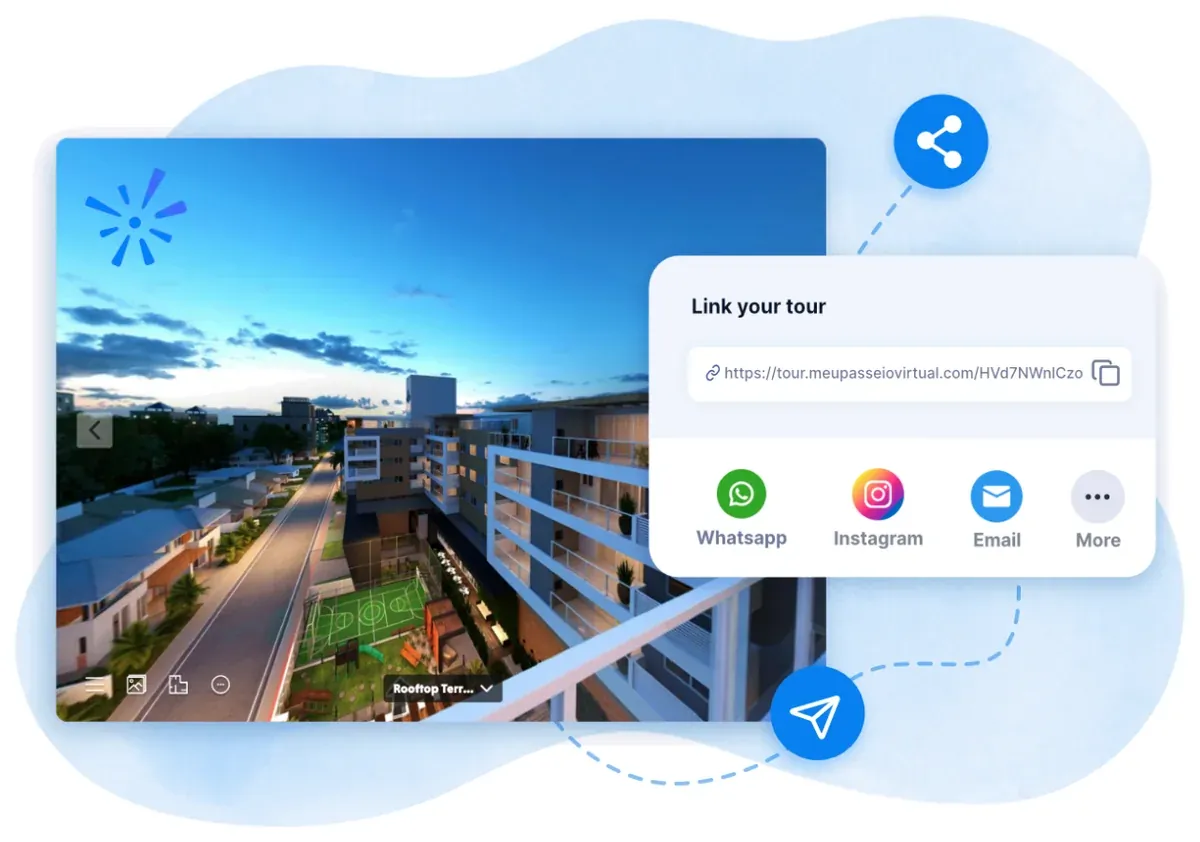
Each virtual tour is accessed through a unique link that can be shared on social media and sent by WhatsApp, email and messaging apps. The tour works on any device.
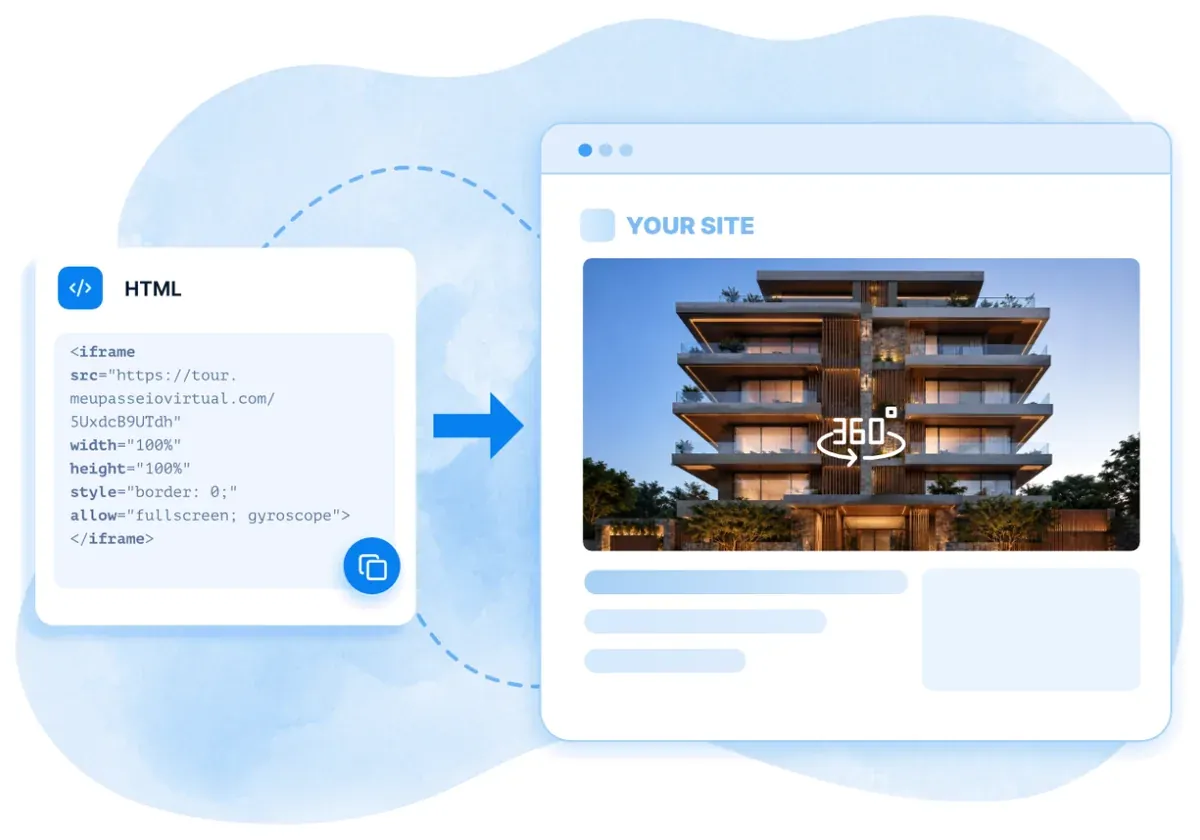
For each virtual tour, the platform generates an HTML code (iframe). Copy the embed code and paste it into a page, website, listing, intranet or web system. No plug-ins or other applications need to be installed.
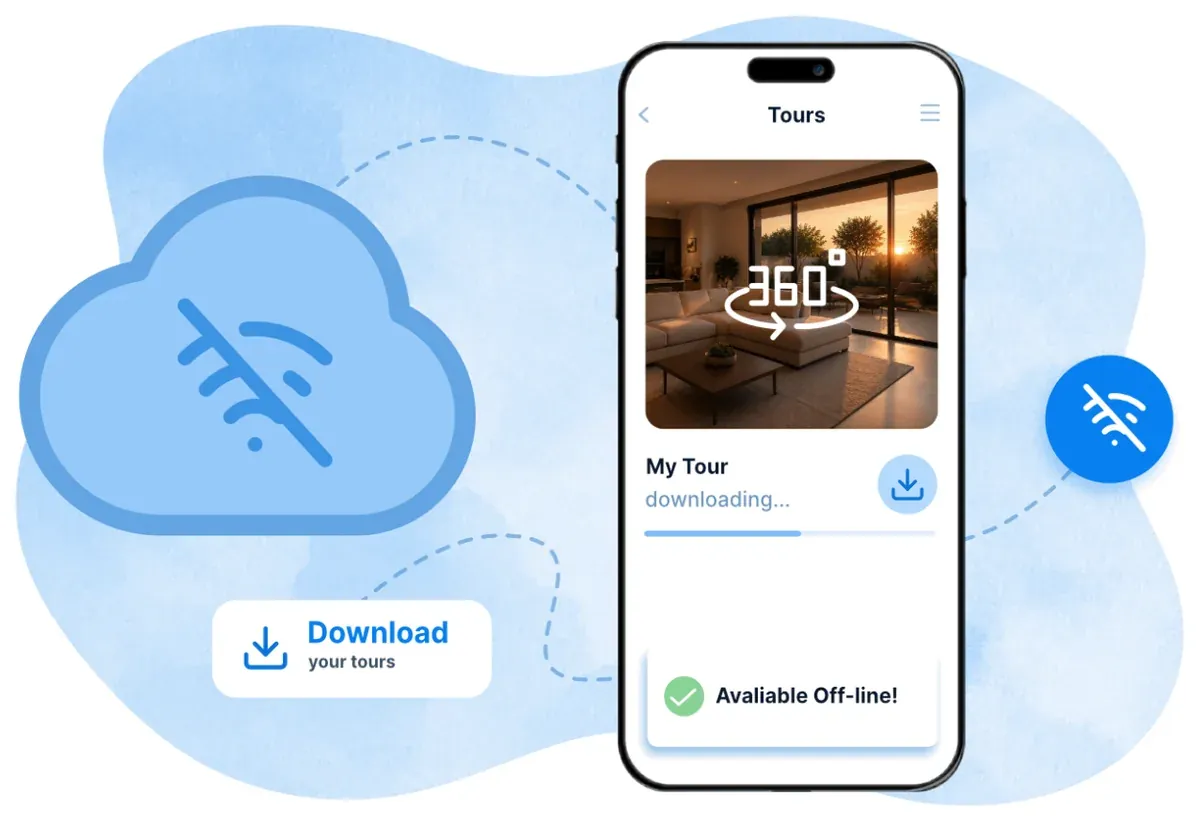
In our mobile app, you download the 360 images and view virtual tours without an internet connection. Ideal for presenting at booths, trade shows and places with a weak signal or slow connections. Available for iOS and Android.
Tours open in the browser, on any device, with nothing to install. All you need is a web browser and a Wi-Fi, 3G, 4G or 5G connection.
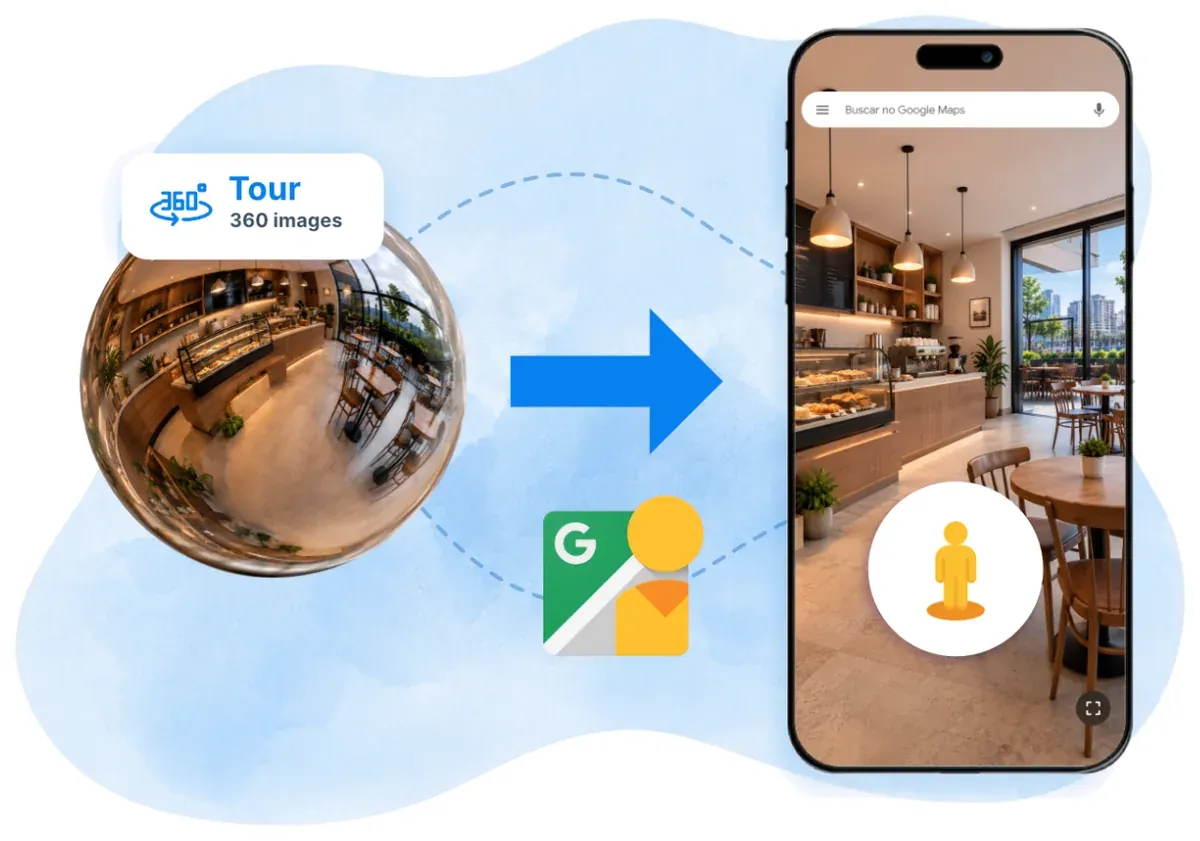
The Google Street View integration lets you publish 360 images of businesses and public places (stores, restaurants, hotels, museums, companies, offices, clinics and more) straight to Google Maps. Thousands of publications are made every month by photographers and agencies.
This is an essential feature for 360 photographers and photography agencies in the Google Street View partner program.
Get detailed information about access to your virtual tours. See the number of visits and unique visitors for each tour.
Get answers to your questions about Naxees features.
Naxees is an online platform for creating 360 virtual tours from 360 images, whether photos or 3D renders. It turns 360 images into interactive presentations that can be accessed on computers, tablets, phones and virtual reality headsets.
It hosts the images and publishes the tour through a link, lets you embed it on other pages and publish it on Google Street View. Naxees is developed by Imersio.
You upload your 360 images, connect the rooms with navigation arrows, add hotspots, customize the look and interactive elements, and publish. Each tour gets a unique link and an embed code.
No. Creating 360 virtual tours is simple, fast and intuitive. There is no learning curve from creation to publishing, and no coding involved.
No. Naxees is fully web-based: the whole process of building virtual tours happens right in the browser, in a simple click-and-drag flow, with no software or plugins to install.
The platform, database and image repositories are hosted in the cloud on secure infrastructure (Amazon). Virtual tours stay online, accessible at any time from any internet-connected device, with no need for your own hosting.
Real estate agents, agencies, developers, architects, interior designers, cabinet makers, 360 photographers and photography agencies in the Google Street View Trusted program. Hotels, inns, schools, museums, factories, stores, offices, clinics, events, or any other need to present places and spaces virtually or remotely.
Yes. Naxees was built precisely to improve how properties, architecture projects and other spaces are presented. Virtual tours offer an immersive experience (unlike traditional images), improving understanding of the spaces, increasing client engagement during presentations and speeding up approvals and decisions.
A 360 video follows a linear script: a recorded route whose path was chosen in advance by whoever recorded it, and viewers watch passively.
A 360 virtual tour, on the other hand, is an interactive experience made of several connected 360 images. There is no single viewing path, and visitors take an active part in the presentation: they choose where to look and explore each room at their own pace.
Navigation arrows between rooms, hotspots (text, tip, image, audio, video, link, flare, blur), clickable floor plans, an image gallery, ambient sound, your logo, a color palette, access control, video generation for social media, a unique link, an embed code, a mobile app with offline mode, Google Street View publishing and analytics.
Yes. Besides connecting the 360 rooms and creating hotspots, Naxees lets you customize virtual tours with your logo, a color palette for the hotspots, viewing mode settings and a choice of which menu options are available when viewing the tours.
Yes. You connect the rooms with navigation arrows, and visitors move around the tour by clicking the arrows, in a continuous, intuitive flow that simulates a virtual visit, much like Google Street View.
Yes, with hotspots. They are content markers that add supplementary information and make the virtual tour more interactive. They let you add text, tips, audio, images, videos, links, a light effect (flare) and blur faces and license plates. You can also create a gallery of regular (non-360) images as a slideshow.
Yes. You can add flat images showing the floor plan of the rooms. On each image you add clickable points that take visitors to the room they want. This helps visitors find their way and makes navigating the virtual tour more direct, simple and intuitive.
Yes. Flat images can be added as hotspots inside the rooms or shown over the 360 images as a slideshow.
Yes. We have a mobile app for Android and iOS. It delivers a better viewing experience and has an “offline mode”, where you can download the tour content and explore it without an internet connection. The app also has a “VR mode” for viewing tours on virtual reality headsets that use a phone as the screen.
Yes. In our mobile app you can use “offline mode”, a feature that downloads the 360 images to your phone. This way you can present virtual tours in places with a slow connection or no internet at all. It is useful for visits to construction sites and properties, off-site meetings, trade shows and events.
Note: This feature is only available on some subscription plans.
Yes. Virtual tours created with Naxees support immersive viewing. You can view the tours on Meta and Apple headsets or on headsets that use a phone as the screen.
Let your clients explore the space without leaving home. Start with the free plan and publish today.
We use essential cookies to make the site work. With your permission, we may also use analytics and marketing cookies. Cookie Policy